

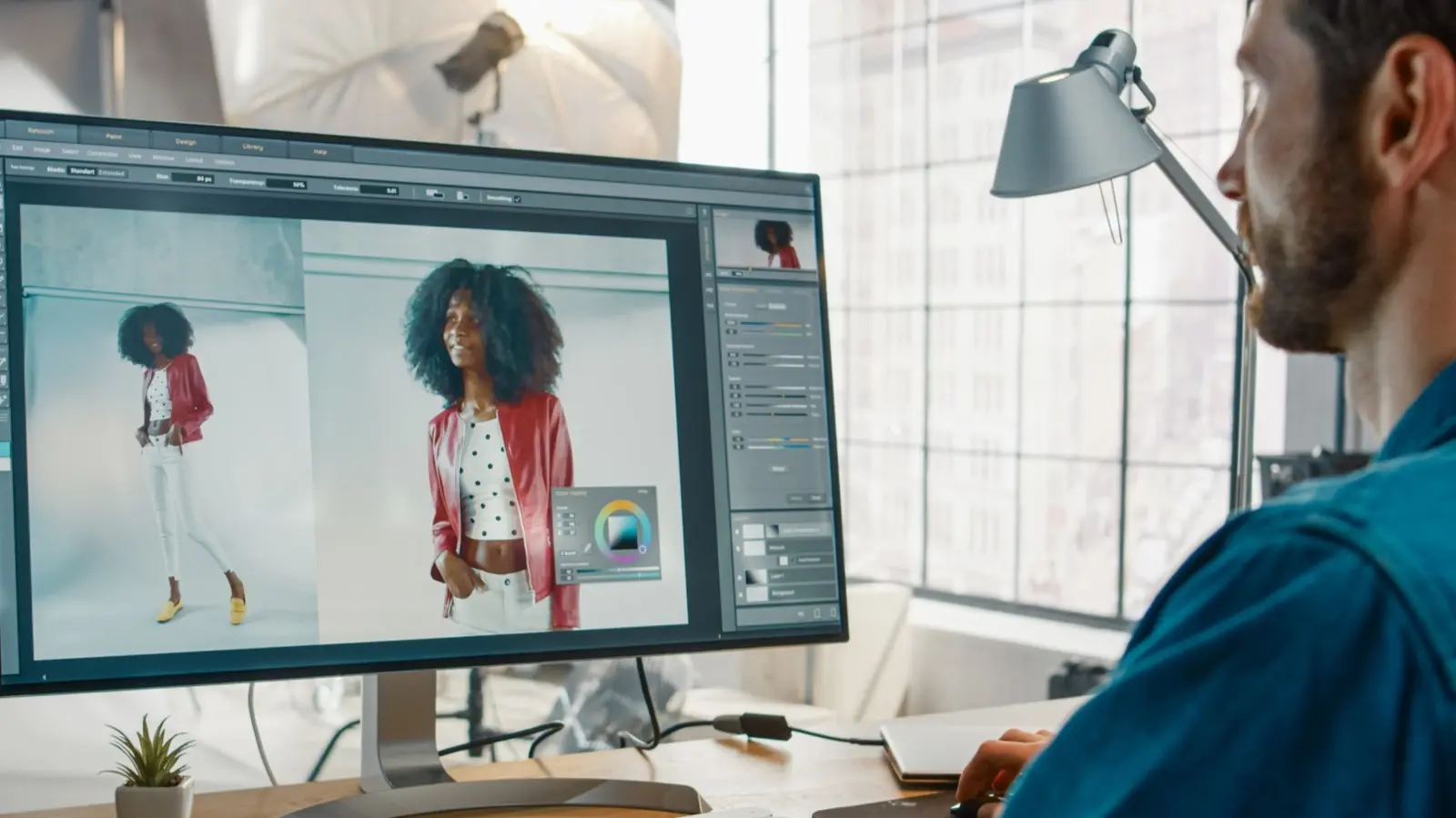
Adobe Photoshop is the industry-leading photo editing application with a ton of powerful features. However, it can be expensive and overwhelming if you only need basic capabilities. Fortunately, many alternatives exist that are more affordable, user-friendly, and offer unique features. In this article, we present the 11 best alternatives to Photoshop, ranging from free open-source tools to specialized paid software. Whether you're a beginner, professional, or digital artist, there's an option here for you.
GIMP: Best Overall Alternative To Photoshop
GIMP (GNU Image Manipulation Program) is a powerful open-source photo editor that has been around for over 24 years. It offers a wide array of professional features that can easily rival Photoshop. GIMP's interface is user-friendly and easy to navigate, even for beginners. It supports layers, masks, color adjustments, and custom presets. Unlike Photoshop, GIMP is free and open-source, receiving frequent updates. It also has an extensive plugin library, including the Resynthesizer plugin (equivalent to Photoshop’s Content-Aware Fill). In 2021, GIMP added native PSD support, allowing seamless file interchange with Photoshop.
Affinity Photo: Best For Intermediate Users
Affinity Photo is a powerful, affordable alternative to Photoshop. It supports RAW image importing, unlimited layers, blend modes, and smart objects. Its layout is similar to Photoshop, with a tool palette on the left, properties on top, and layers on the right, but with a more colorful design. Affinity Photo introduces 'Persona' modes – Photo, Liquify, Develop, Tone Mapping, and Export – allowing users to switch workflows easily. It is available as a one-time purchase (Mac, Windows, iPad) and works well with Affinity Designer and Affinity Publisher, offering an affordable Adobe-like ecosystem.
Photopea: Best Free Browser Based Photo Editor
Photopea is a free web-based photo editor offering over 40 tools, including lasso, crop, clone, and layer management. It supports PSD, AI, and many raster/vector formats. While it lacks advanced features like RAW editing, frame tool, or 3D tools, its lightweight design makes it ideal for basic editing without heavy resource consumption. Photopea also supports unique export formats like SVG, ICO, and WebP (plugin required in Photoshop). It's a great alternative for quick edits on any device with a browser.
Pixlr: Best Freemium Browser Based Photo Editor
Pixlr is another browser-based photo editor with a wide range of presets and filters, including hand-drawn pencil and watercolor effects. It is lightweight and works on entry-level computers. Pixlr offers a free version with basic editing tools, but upgrading to Pixlr Editor Pro unlocks advanced features like layers, healing tool, customizable brushes, text editing, RAW file support, and Photoshop-like hotkeys. The free version only supports JPEG, while Pro supports various RAW formats. Pixlr also has a mobile app for on-the-go editing.
Sketch: Best For UI UX Designers
Sketch is a vector graphics editor tailored for web and interface design. It offers basic image editing (crop, invert) along with powerful vector editing, prototyping, and collaboration tools. Sketch’s built-in prototyping eliminates the need for additional software. Its files (.sketch) are smaller than PSDs, making sharing easier. Sketch also features version control and a plugin ecosystem. Available as a yearly subscription, it is more affordable than Photoshop's monthly fee. However, it is macOS-only and focused on UI/UX design rather than general photo editing.
Luminar AI: Best AI-Powered Photo Editor
Luminar AI uses artificial intelligence to automate photo enhancement. Its sky replacement tool replaces skies with realistic lighting and shadows. The Portrait Enhancer automatically smooths skin, brightens eyes, and whitens teeth. Accent AI 2.0 analyzes images and adjusts colors/contrast, while AI Structure enhances details. Luminar also offers manual tools like layers, masks, and brushes, along with customizable presets. However, it lacks advanced tools like Healing Brush, Clone Stamp, and Content-Aware Fill. It is available as a free trial with a one-time licensing fee, but is not ideal for heavy image compositing.
Canva: Best For Social Media Graphics
Canva is a web-based graphic design tool aimed at amateurs. Its drag-and-drop interface makes professional-looking designs accessible without experience. Canva offers over 25,000 templates and a vast library of stock photos, videos, and illustrations. Real-time collaboration allows teams to work together. Image editing tools include crop, resize, brightness, contrast, and saturation adjustments, though RAW editing is limited. Canva has a free version with basic templates and a paid Pro version that adds custom fonts, advanced editing, and unlimited stock assets.
Procreate: Best For Touch Screen Digital Painting
Procreate is an iPad app designed for digital artists. It features over 130 customizable brushes with dual-texture systems, a Photoshop-like layering system, and tools for blurs, sharpening, curves, and color balance. Procreate supports high-resolution canvases up to 16K by 4K and exports to PSD, JPG, PNG, and more. With Apple Pencil support, the drawing experience is natural and responsive (up to 120fps). Procreate is a one-time purchase, making it budget-friendly for artists. It also integrates with Envato Elements for unlimited add-ons.
Pixelmator: Best For Mac Users
Pixelmator Pro is a Mac-exclusive image editor with an intuitive interface and affordable price. It offers non-destructive editing, tabs, fullscreen, and split view. Unique tools include Magic Background Eraser, Select and Mask Tool (for hair/fur), and Repair Tool for removing unwanted objects. It features layer-based editing, AI-powered adjustments, multi-channel curves, RAW photo support, and vector tools with SVG support. Pixelmator also includes a large brush collection, paint blending, and graphics tablet support. It is available on the Mac App Store with a free trial.
Krita: Best For Brush-Based Digital Paintings
Krita is a free, open-source app focused on digital painting. It offers over 100 brush types, nine brush engines, a brush stabilizer, and a smudge tool for realistic color blending. Unique features include wrap-around mode for seamless textures, drawing assistants (ruler, protractor), symmetry tools, ellipse guides, perspective grids, and multiple mirroring modes. Krita supports layers, full-color management, and PSD files. While it lacks advanced photo editing features like color correction and noise reduction, it excels for digital artists and comic creators.
Adobe Photoshop Elements: Best For Beginners
Photoshop Elements is a simplified version of Photoshop designed for beginners. It has a user-friendly interface with pre-made templates, filters, and effects. Features include the Portrait filter (automatic skin smoothing and eye brightening), Artistic filter, basic video editing, and the Organizer tool for cataloging photos using AI (Auto-Curated albums). Guided Edits provide step-by-step tutorials for common tasks like creating panoramas or removing objects. Photoshop Elements is available as a one-time purchase with a lifetime license, making it an affordable entry point into photo editing.
Source: SlashGear News