

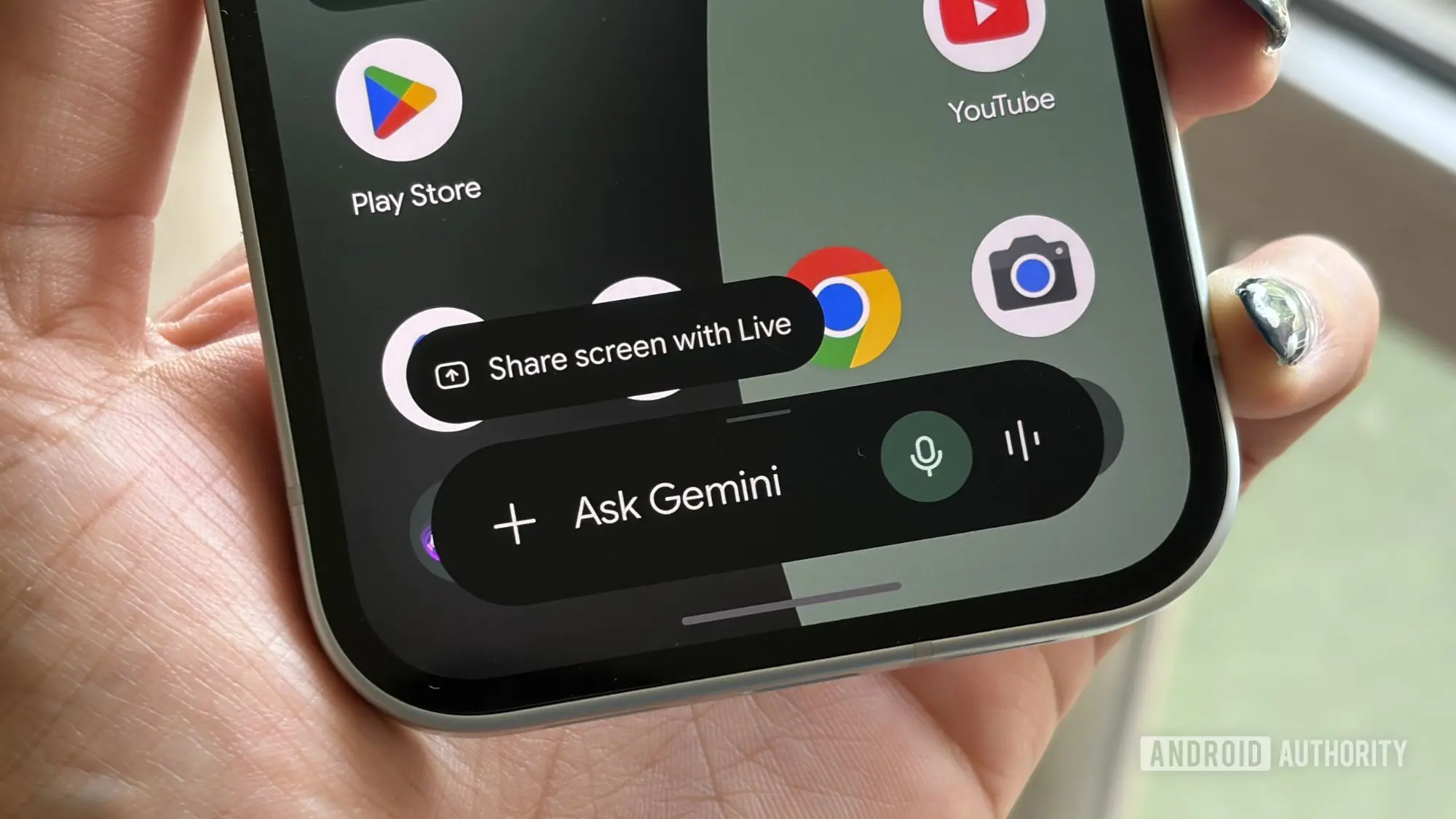
Mobile app discovery has long been a challenge for users, with millions of applications competing for attention on the Google Play Store. While traditional search and recommendation algorithms have improved over the years, finding the perfect app for a specific need often requires sifting through countless listings. Google's latest move aims to change that by integrating its Gemini AI assistant directly with the Play Store, allowing users to find, install, and even purchase apps through a simple chat interface.
What is the Google Play connected app for Gemini?
The Google Play connected app is a new extension for Gemini that bridges the gap between conversational AI and the Play Store. Announced earlier this year in May, the feature is now rolling out to users globally. With this integration, Gemini can understand natural language requests like 'Find a productivity app to help me with meal planning' and provide tailored app recommendations. Tapping on an app icon within the chat leads to the Play Store's detail page, where users can install the app or explore in-app purchases.
This functionality extends beyond simple discovery. Users can also request information about in-app purchases for a specific app or even buy Google Play gift cards directly through the chat. For example, typing 'Show me in-app purchases for [App Name]' triggers a list of available digital purchases, while 'Buy a Google Play gift card' initiates the purchase flow. All transactions are handled securely through the user's Google Play account.
How does it work?
Behind the scenes, Gemini leverages Google's machine learning models to parse user intent and match it with the Play Store's vast catalog. When a user asks for app recommendations, Gemini searches for apps that align with the keywords, user ratings, and contextual relevance. The AI considers factors like popularity, category, and even recent updates to suggest the most suitable options. This is similar to how Google Search works for app queries but is now integrated into a conversational interface that can handle follow-up questions or refine results dynamically.
The integration also supports multi-step interactions. For instance, after recommending an app, Gemini can provide answers about its features, permissions, or user reviews without leaving the chat. This seamless flow reduces friction and keeps the user engaged within the Gemini environment.
Requirements and setup
To use the Google Play connected app, users must meet a few prerequisites. First, you must be at least 18 years old. You also need the Google Play Store app installed on your Android device and be signed into Gemini with the same personal Google Account used for the Play Store. Importantly, the 'Keep activity' setting must be enabled in Gemini's configuration. This setting allows Gemini to store and reference conversation history to provide personalized recommendations. Users concerned about privacy should review their activity controls, as Google stores this data under its standard privacy policy.
Enabling the feature is straightforward. Open the Gemini app, ensure you are signed into the correct account, and ask Gemini to find an app from Google Play. If the connection hasn't been established, Gemini will prompt you to link the services. Follow the on-screen instructions to grant the necessary permissions, and the integration will become active.
Background and context
This integration is part of a broader push by Google to make Gemini a central hub for various services. Since its launch, Gemini has gained capabilities such as web search, YouTube video summaries, and now app discovery. The move mirrors similar efforts by other AI assistants—Apple's Siri can open apps and perform basic tasks, and Amazon's Alexa can suggest skills. However, Google's deep integration with its own ecosystem gives Gemini a unique advantage in app discovery, as it can directly access the Play Store's metadata and user behavior data.
The announcement comes at a time when app discovery remains a pain point for both users and developers. For users, the sheer volume of apps (over 3 million on the Play Store) makes it hard to find quality applications. For developers, getting visibility is increasingly competitive, requiring effective App Store Optimization (ASO) strategies. Gemini's recommendations could shift the balance, as apps optimized for natural language queries might gain an edge over those relying solely on traditional keyword searches.
Potential impact and future developments
Industry analysts believe that this integration could significantly change how users interact with the Play Store. By reducing the steps between intention and installation, Gemini may boost app discovery and adoption rates. Additionally, the ability to make in-app purchases through chat opens up new revenue streams for developers and simplifies the user experience. However, some concerns have been raised about the potential for increased data collection and the influence of AI-driven recommendations on user choice. Google has stated that recommendations are based on objective criteria, but the algorithms may prioritize apps that are part of Google's advertising network.
Looking ahead, Google might expand the integration to include deeper actions like reviewing apps, comparing similar apps, or even uninstalling apps via chat. There is also speculation that the feature could eventually work on non-Android platforms through web interfaces, though currently it is limited to Android devices with the Play Store app.
For now, users can start experimenting with the Google Play connected app for Gemini. If you haven't seen the feature yet, check for updates in the Gemini app and ensure all prerequisites are met. As with any new AI capability, it's wise to test it with simple queries to understand its strengths and limitations.
Source: Android Authority News