

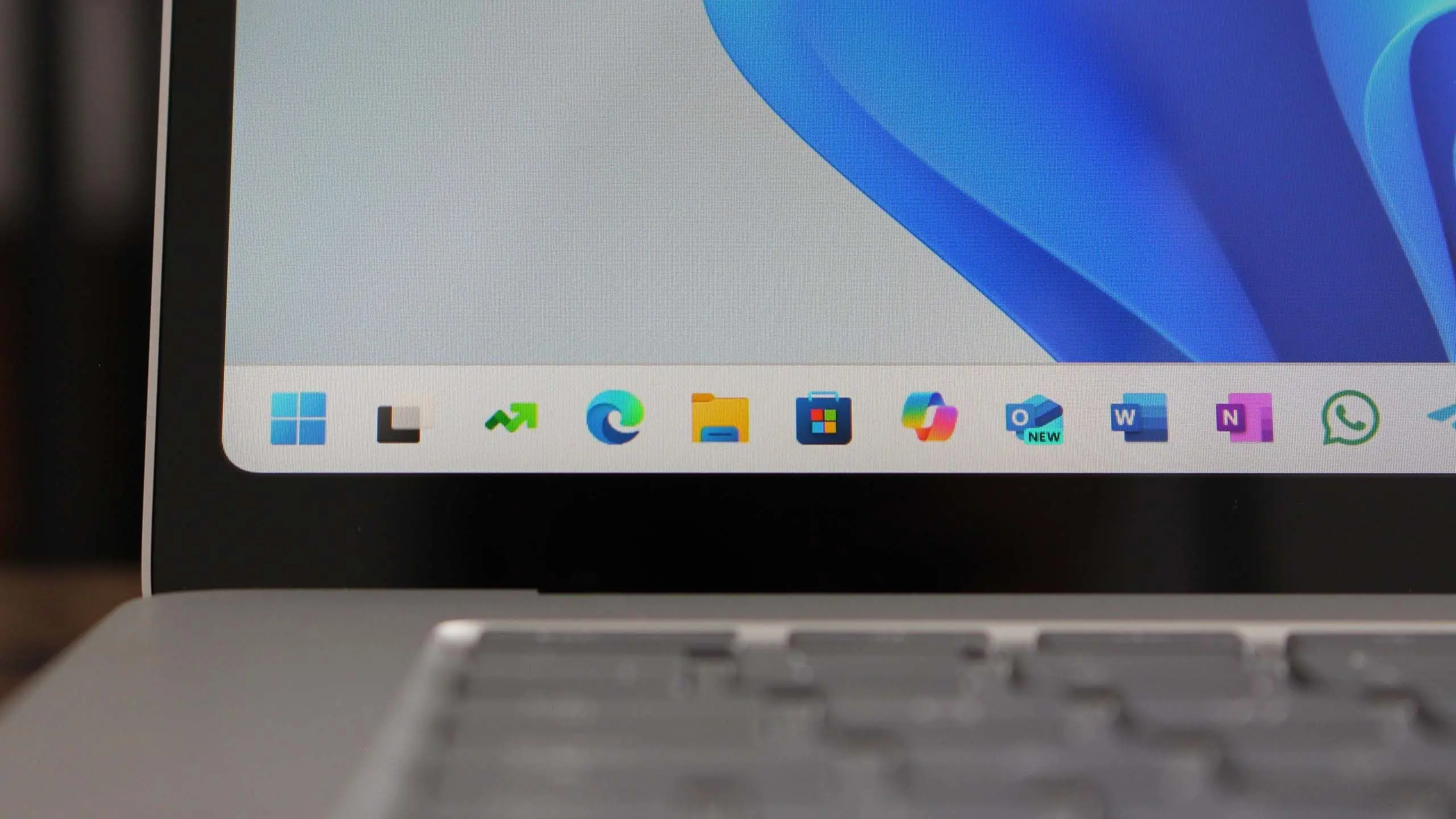
Microsoft is gearing up to deliver Windows 11 version 25H2, the next major feature update for its desktop operating system. Expected to roll out in the second half of 2025, this release builds upon the foundation laid by Windows 11 24H2 and earlier versions, introducing a mix of user-requested improvements, deeper artificial intelligence integration, and refined system management tools. As with previous updates, 25H2 is designed to enhance productivity, security, and overall user experience across a wide range of devices.
Background: Microsoft's update cadence
Microsoft has settled into a predictable pattern for major Windows 11 updates, releasing them roughly once per year. The versions are named after the year and half – for example, 23H2 for the second half of 2023, and 24H2 for the second half of 2024. 25H2 follows this naming convention and is expected to be the primary feature update for 2025. These annual updates typically include new features, security enhancements, and under-the-hood improvements that shape the future of the platform. Understanding this cadence helps users and IT administrators plan for deployment and testing.
AI integration takes center stage
One of the biggest anticipated changes in Windows 11 25H2 is the expansion of AI-powered features. Microsoft has invested heavily in its Copilot AI assistant, and version 25H2 is likely to embed it more deeply into the operating system. Expect to see Copilot becoming more proactive, offering contextual suggestions for file management, settings changes, and even application usage. Additionally, new AI-driven tools may appear in the Photos app, Paint, and Notepad, enabling tasks such as background removal, image generation, and smart text editing. These capabilities are designed to make everyday tasks faster and more intuitive.
Beyond Copilot, Microsoft is also working on enhancing the Windows Search experience with semantic indexing. This means users can search for files, emails, or settings using natural language phrases rather than exact keywords. For instance, searching for "presentation from last week about sales" could surface the correct PowerPoint file without needing to remember its precise name. This feature is expected to debut in 25H2, building on the neural processing unit (NPU) support introduced in earlier versions.
Performance and battery life improvements
Every major Windows update aims to improve performance and power efficiency, and 25H2 is no exception. Microsoft is focusing on reducing background activity, optimizing memory management, and improving responsiveness during multitasking. Specifically, energy-efficient core scheduling is being refined for hybrid processor architectures like Intel's 13th and 14th Gen Core series and AMD's Ryzen 7000 and 8000 series. Laptop users should see better battery life during common tasks such as web browsing, video playback, and office productivity.
Disk performance is also getting attention. The NTFS file system is receiving updates that speed up file operations, especially on high-speed NVMe SSDs. In addition, the update includes improvements to the Windows Subsystem for Linux (WSL), making it more efficient for developers who run Linux environments on Windows. These underlying enhancements ensure that even if the interface changes are subtle, the day-to-day feel of the operating system is snappier.
User interface refinements
While Windows 11 25H2 is not expected to radically redesign the desktop, it will introduce several UI tweaks that improve usability. The File Explorer is getting a new default view that reduces clutter and places frequently used actions within easier reach. The taskbar, which has been a point of contention since Windows 11's launch, may receive additional customization options, such as the ability to show labels on taskbar buttons or resize it more freely. The system tray and notification area are also being streamlined to reduce visual noise.
Another area of refinement is the Settings app, which continues to inherit more controls from the classic Control Panel. In 25H2, network and device management pages are redesigned to be more intuitive, featuring grouped settings and quick-action tiles. The focus is on making advanced configuration accessible to average users without compromising depth for power users.
System requirements and compatibility
Windows 11 25H2 will maintain the same minimum hardware requirements as previous versions: a 64-bit processor with at least two cores and 1 GHz clock speed, 4 GB of RAM, and 64 GB of storage. TPM 2.0 and Secure Boot remain mandatory, and the system must support DirectX 12 or later with a WDDM 2.0 driver. However, there are rumors that Microsoft may begin requiring a specific generation of processors that include an NPU for certain AI features to function fully. If that happens, devices without an NPU may still run the OS but could miss out on some of the headline capabilities.
Compatibility with existing software and hardware is a priority for Microsoft. The company tests thousands of applications and drivers before each feature update, and 25H2 will be no different. Users of older third-party apps are advised to check for updates from their vendors before upgrading. For businesses, Microsoft provides extended testing through Windows Insider Program channels, allowing IT admins to validate compatibility in controlled environments.
Release timeline and rollout
Windows 11 25H2 is currently in early development, with the first preview builds expected to appear in the Windows Insider Program's Dev Channel by early 2025. The Beta Channel will follow, giving enthusiasts and early adopters a chance to test the release before it becomes broadly available. The general availability rollout is anticipated to begin in October 2025, similar to the timing of previous feature updates. Microsoft will likely use a phased rollout, gradually making the update available to compatible devices via Windows Update. Users who are eager to get it quickly can use the Windows 11 Installation Assistant or the Media Creation Tool once the official ISO is released.
For organizations, the update will be delivered through Windows Server Update Services (WSUS), Microsoft Configuration Manager, and Windows Update for Business. This allows IT departments to control deployment timelines and ensure compatibility before broad installation. Microsoft typically supports each feature update for 24 months for Home and Pro editions, and 36 months for Enterprise and Education editions.
Security enhancements
Security remains a cornerstone of Windows 11, and 25H2 introduces several new protections. Microsoft is expanding its use of virtualization-based security (VBS) and hypervisor-protected code integrity (HVCI) to guard against kernel-level attacks. The update also includes improvements to Microsoft Defender for Endpoint, making it more effective at detecting and responding to novel threats. Phishing protection in Microsoft Edge and Windows SmartScreen is being upgraded with real-time scanning of credentials and malicious links.
Another significant security feature is the introduction of "signed system files" – a mechanism that verifies the integrity of core operating system files during boot and runtime. This helps prevent tampering by malware that tries to hide its presence. Additionally, BitLocker device encryption will be enabled by default on more systems, protecting data even if a device is lost or stolen. These measures collectively raise the bar for security in the Windows ecosystem.
Developer and enterprise features
Developers will find several reasons to upgrade to Windows 11 25H2. The Windows Subsystem for Android is receiving updates that improve performance and compatibility with newer Android versions. WinUI 3 and the Windows App SDK are gaining new controls and templates that make it easier to build modern desktop applications. Microsoft is also enhancing Dev Home, a dashboard that centralizes developer workflows, including GitHub integration, system monitoring, and widget management.
For enterprise customers, 25H2 delivers better management capabilities through Microsoft Intune and Group Policy. New policies allow IT admins to control the behavior of AI features, configure privacy settings, and manage user accounts more granularly. Remote Desktop experiences are being improved with lower latency and better support for multiple monitors. These features aim to make Windows 11 a more compelling platform for large organizations that require reliability, manageability, and security.
Looking ahead: The future of Windows 11
Windows 11 version 25H2 is more than just an incremental update – it reflects Microsoft's long-term vision for the operating system. By deepening AI integration, refining the user experience, and strengthening security, the company is positioning Windows 11 as a platform that adapts to users' needs rather than remaining static. While some features may change before the final release, the overall direction is clear: Microsoft is committed to making Windows 11 smarter, faster, and safer with each annual update. As more details emerge through the Insider Program, users and businesses alike can begin preparing for what promises to be a significant upgrade.
Source: Windows Central News