

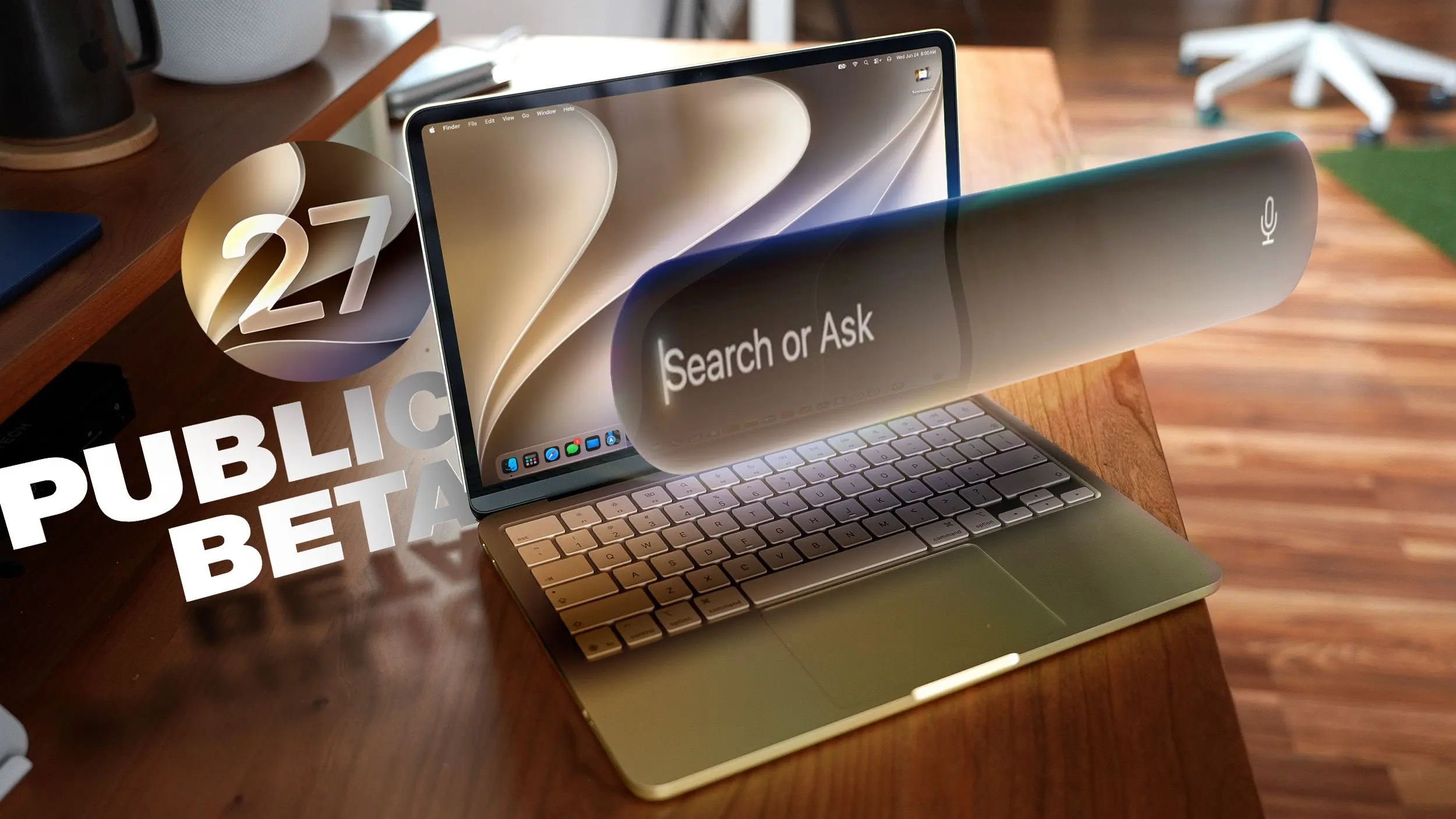
Apple has released the public beta of macOS 27 Golden Gate, allowing users to test the new features ahead of the official launch this fall. The update focuses heavily on artificial intelligence, design refinements, and system performance improvements. While beta software is not recommended for primary devices due to potential bugs, macOS Golden Gate appears to be more stable than previous betas. Users should create a Time Machine backup before installing, ensuring they can revert to macOS Tahoe if needed.
Liquid Glass
macOS Golden Gate introduces a Liquid Glass slider that lets users adjust the transparency of interface elements. You can choose a clearer version that reveals more of the background or a more opaque version for better legibility, with infinite intermediate steps. Apple has also tweaked the overall opacity to better diffuse complex content behind navigation bars and buttons. Darkened edges and brighter specular highlights add depth and separation, making the UI feel more three-dimensional and intuitive. This design language extends across all native apps, providing a cohesive visual experience.
Toolbars, Sidebars, and Windows
The update brings uniform toolbars across apps, making text headings and control groups more legible. Apple has reduced the number of icons used in menu interfaces, opting for a cleaner look. Windows now feature consistent corner radiuses, eliminating the dramatically rounded corners seen in earlier macOS versions. Improved window shadows and the updated Liquid Glass effect make it easier to identify the active window when multiple apps are open. Sidebars no longer float; they are edge-to-edge, which reduces distraction. Additionally, sidebar icons regain color, restoring a more vibrant and recognizable interface.
Siri AI
The most significant change in macOS Golden Gate is Siri AI, which transforms the virtual assistant into a full-featured chatbot. On the Mac, you can invoke Siri through the Spotlight interface using Command + Space. Spotlight has evolved into a unified "Search or Ask" bar, allowing you to find files, launch apps, or query Siri for tasks and information. A dedicated Siri app provides a history of conversations and cross-device synchronization. Siri can now view your screen, access personal data like emails, messages, and photos, and search the web to answer complex questions. It can also perform actions within apps, such as composing emails, setting reminders, or controlling system settings. This represents a paradigm shift from previous Siri versions, which were limited in scope and context awareness. For a detailed list of tasks, users can refer to Apple's Siri AI guide.
Visual Intelligence
Visual Intelligence, previously available on iPhone, now comes to the Mac. You can ask Siri questions about content displayed on your screen, either the entire display or a selected region. To trigger Visual Intelligence, press Command + Shift + Space or Command + Shift + 6 to capture a specific area. Alternatively, press Command + Shift + 5 and click the Visual Intelligence icon to open an adjustable selection square. Siri can then search for images, summarize content, translate text, identify objects, extract information to add to Calendar or Reminders, answer questions about visual elements, and more. The feature also includes capabilities like providing nutritional information for food items or splitting a bill from a receipt – all powered by the same technology as iPhone's Visual Intelligence.
Write with Siri
Expanding on the Apple Intelligence Writing Tools from macOS Tahoe, macOS Golden Gate introduces Write with Siri. This system-wide feature allows Siri to compose entire emails or messages, offer feedback on your writing, suggest alternative words, and complete other editing tasks. To use it, right-click in any app and select "Ask Siri". If you highlight text first, you can request editing help; if the document is blank, Siri can generate content based on your instructions. When drafting messages, Siri can analyze your past communications to mimic your personal writing style. Additionally, Apple has improved spell correction to include grammar suggestions, making the Mac a more powerful writing assistant.
iPhone Mirroring
iPhone Mirroring gains flexibility in macOS Golden Gate. You can now resize the mirroring window by dragging its corners, making it larger or smaller as needed. Depending on the app, you may be limited to a portrait iPhone aspect ratio, but some applications support iPad or landscape layouts. This enhancement improves multitasking, allowing you to work on your Mac while interacting with iPhone apps in a resizable window that fits your workflow.
Shortcuts
Creating shortcuts is easier than ever with natural language descriptions. The Shortcuts app now opens to an interface where you can describe what you want the shortcut to do – for example, "Send a morning greeting to my team at 9 AM" – and AI generates the shortcut automatically. You can refine it further with additional natural language commands or manually edit the actions. Once created, shortcuts can be activated via the app or through Siri commands, streamlining automation for both novice and advanced users.
Safari Extensions
Safari now allows you to create custom extensions using AI. Click the settings icon in the URL bar and select "Describe Extension". Type in what you want the extension to do – such as "Close duplicate tabs", "Highlight this word", or "Display a reading time estimate" – and Safari will generate the extension on the fly. Apple provides numerous examples, including a focus timer, font size adjuster, recipe saver, and even a doodle generator for new tabs. This feature empowers users to extend Safari's functionality without any coding knowledge, making the browser more adaptable to individual needs.
Safari Tab Grouping and Notifications
Safari introduces intelligent tab grouping, automatically organizing related tabs into groups in the tab view. This reduces clutter and improves navigation, especially when working on research or multi-page projects. Additionally, you can set Safari to monitor webpages for changes. Choose from Hourly, Daily, Weekly, or Monthly checks, and receive notifications when content on the monitored page updates. This is useful for tracking news, price changes, or any frequently updated information without manually refreshing the page.
Performance Improvements
Beyond new features, macOS Golden Gate cleans up underlying code, resulting in smoother animations, faster scrolling in Safari and other apps, and quicker Mission Control and Spaces transitions. AirDrop transfers complete faster, network device browsing is more responsive, and window positioning on external displays is more stable. Messages sync faster and more reliably across devices. Apple has rebuilt the search foundation for Spotlight, Photos, Mail, and Messages, making indexing quicker. Recent searches appear immediately, and Mail now features a ranking system that surfaces the most relevant emails first. Mail search indexing is more reliable, and Spotlight suggestions are more contextually accurate. These performance enhancements ensure that day-to-day tasks feel snappier and less prone to delays.
How to Install
To install the macOS Golden Gate public beta, sign up on Apple's beta testing website. Then open System Settings, go to General > Software Update, click the "i" next to Beta Updates, and select "macOS 27 Golden Gate Public Beta". The update will appear like any other software update, and you can install it directly from the Software Update pane.
System Requirements
macOS Golden Gate runs on Macs with an M1 chip or later, as well as the A18 Pro MacBook Neo. Intel-based Macs are not supported and will not receive the new features. All compatible Macs support Apple Intelligence and Siri AI, but some on-device Siri processing features – such as selected natural voice and upgraded dictation – require an M3 chip or later. It is worth noting that Siri AI is not available in the European Union or China at launch and will remain unavailable for the foreseeable future.
Source: MacRumors News