

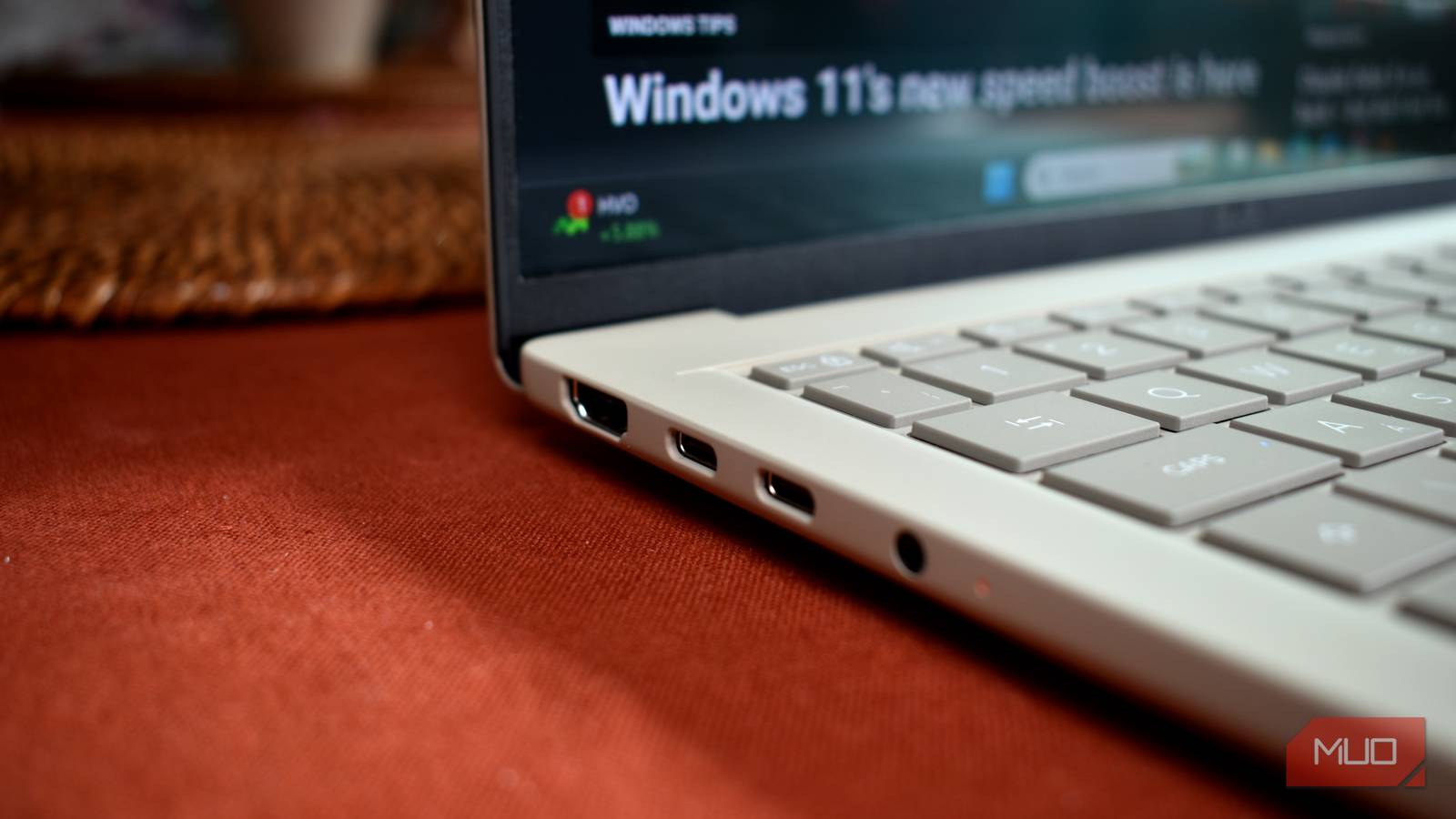
Every PC or laptop comes with rows of USB ports, and most people rarely think about whether the socket they choose actually matters. I used to choose whichever USB port was closest to the cable, and that habit followed me for years. It was only when I connected a modern external SSD to my desktop that I realized something was terribly wrong. The SSD boasted much faster read and write speeds, but file copies crawled along at around 30 MB per second. I blamed the drive, the operating system, and even the file transfer software. Finally, a closer look at the port revealed the real problem: I had plugged a fast storage device into an old USB 2.0 port.
USB ports may all look the same, but they aren't
USB has gone through many generations, and every
Source: MakeUseOf News