

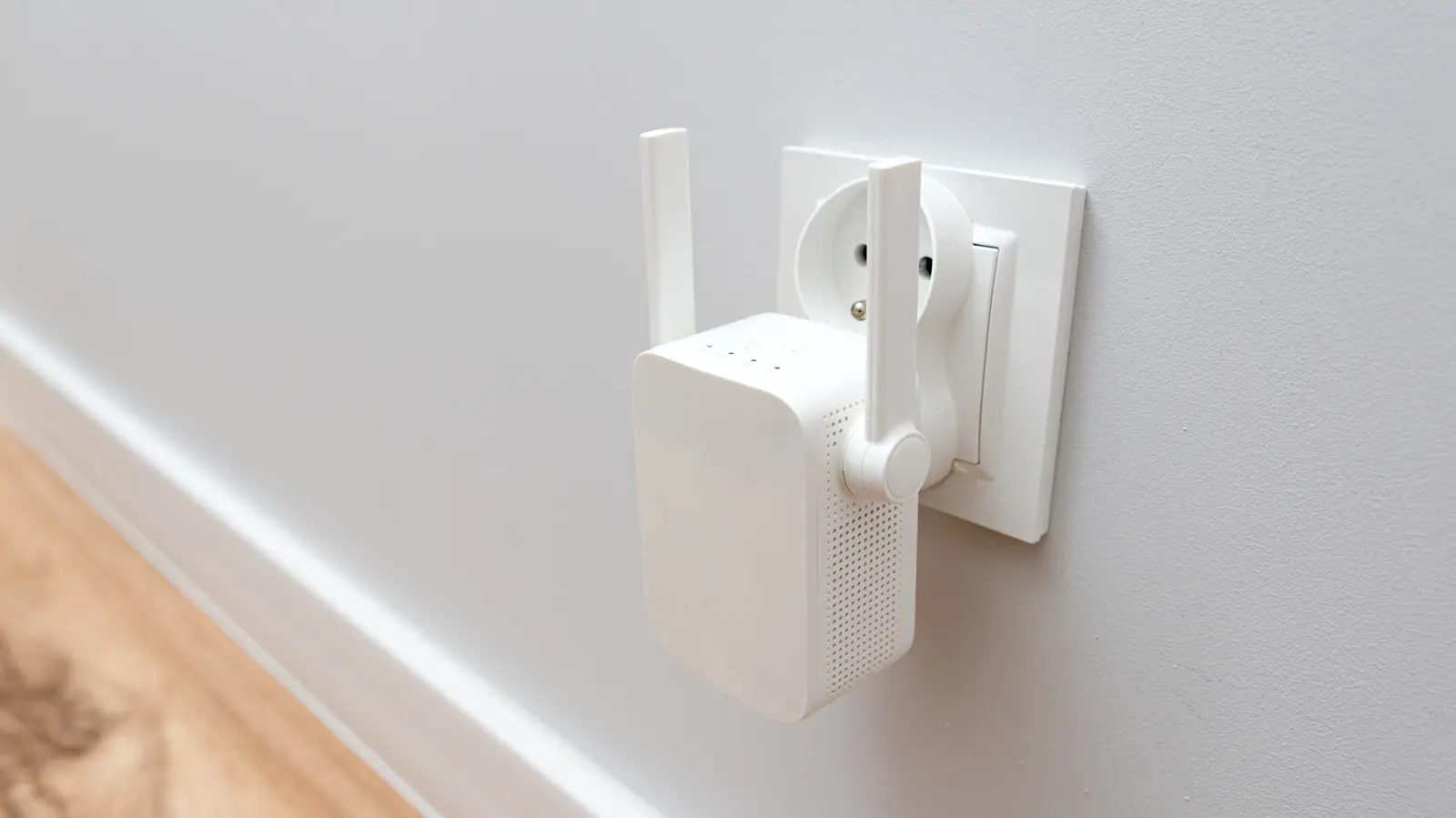
A Wi-Fi extender is a widely adopted device designed to amplify or extend a wireless signal into areas of a home or office where the original signal is weak or nonexistent, often referred to as dead zones. These inexpensive gadgets are typically simple to set up and offer a quick fix for improving connectivity. The most common question among users facing persistent coverage gaps is whether it is possible to connect multiple Wi-Fi extenders to the same router, and if so, whether doing so is beneficial or harmful. The short answer is yes, technically you can plug multiple extenders into the same router without any hardware restrictions. However, the real-world performance of such a configuration requires careful consideration of signal behavior, network congestion, and alternative solutions.
How Wi-Fi Extenders Work
Before exploring the implications of multiple extenders, it is essential to understand the basic operation of a single extender. A Wi-Fi extender (also known as a repeater) receives the existing wireless signal from the router and rebroadcasts it on a new channel. This effectively creates a second network that devices can connect to, allowing coverage to reach farther distances. However, the extender does not create new bandwidth; it simply relays the same data, which results in a 50% reduction in throughput due to the half-duplex nature of the communication — the extender must receive and then retransmit on the same frequency. In practice, this halving of speed is often cited as a major drawback, and the degradation compounds when multiple extenders are introduced.
The Core Downsides of Multiple Extenders
When you connect two or more Wi-Fi extenders to the same router, the most immediate consequence is a significant loss in network performance. Each extender introduces latency because it must process and repeat the signal, and multiple hops can cause delays sensitive activities like video calls, gaming, or streaming. The overlap of extender signals also increases interference, especially in crowded 2.4 GHz bands. If two extenders are placed too close together, their signals can collide, reducing overall efficiency. Moreover, each extender typically operates as a separate network, which may cause device roaming issues — your phone might cling to a weak extender rather than switching to a stronger one. This is not an inherent limitation of extenders but rather a common behavior in basic models that lack seamless roaming protocols like 802.11k, 802.11v, or 802.11r.
Another critical downside is that multiple extenders can saturate the router's capacity. Most consumer routers have a limited number of simultaneous connections, and each extender counts as a client. If you add two or three extenders, you reduce the available slots for direct devices like laptops, smart TVs, and smartphones. Additionally, powerline-based extenders that use electrical wiring to backhaul data may introduce electrical noise or instability, especially in older homes.
Placement Considerations for Multiple Extenders
Manufacturers typically recommend placing a single extender halfway between the router and the dead zone. For multiple extenders, you must ensure each unit is positioned within a strong signal zone of the router — usually within 30 to 50 feet, depending on obstacles. Placing an extender too far from the router will cause it to receive a weak signal, which it then rebroadcasts as an even weaker one, defeating the purpose. The same principle applies to the spacing between extenders: they must not overlap their coverage areas unnecessarily. In a two-story home, for example, you might place one extender on the first floor for the living room and another on the second floor for the bedrooms, provided the router is centrally located. Avoid placing extenders near large metal appliances, microwaves, refrigerators, mirrors, or concrete walls, as these materials absorb or deflect Wi-Fi signals. Also, keep extenders away from Bluetooth devices, baby monitors, and cordless phones that operate on the same 2.4 GHz frequency.
Even with optimal placement, multiple extenders can still cause a phenomenon called 'hidden node problem,' where the router and one extender cannot hear each other's transmissions due to distance or obstacles, resulting in collisions and retransmissions. Modern routers with features like beamforming can mitigate this to some extent, but the issue persists in many budget setups.
When Multiple Extenders Might Be Acceptable
Despite the disadvantages, there are scenarios where two or three extenders can provide acceptable performance. In a smaller home of under 1,500 square feet with two isolated dead zones (e.g., a basement corner and a backyard), one extender per zone may work fine as long as they are not placed within 30 feet of each other. Similarly, if you only need basic internet browsing and email on a few devices, the speed loss may go unnoticed. However, for any bandwidth-intensive tasks like 4K streaming, online gaming, or large file transfers, multiple extenders will likely lead to frustration. It is also important to use extenders from the same manufacturer or at least those supporting the same Wi-Fi generation (e.g., Wi-Fi 5 or Wi-Fi 6) to minimize compatibility issues. Some newer Wi-Fi 6 extenders include features like OFDMA and orthogonal frequency-division multiple access (OFDMA) that improve efficiency when multiple clients are connected, but they still face the fundamental half-duplex limitation.
Alternatives: Wi-Fi Mesh Systems
For homes larger than 2,000 square feet or for users who demand consistent high speeds throughout the property, a Wi-Fi mesh system is almost always a superior investment. A mesh system consists of multiple nodes (often three or more) that communicate with each other wirelessly or via a dedicated backhaul channel, creating a single unified network with seamless handoff. Unlike traditional extenders, mesh nodes do not rebroadcast the same signal; they act as mesh routers that dynamically route traffic through the most efficient path. This eliminates the need for separate network names and reduces latency. Many modern mesh systems also support tri-band configurations, with one dedicated band for backhaul, preserving throughput for client devices. While mesh systems cost more — typically $100 to $500 for a three-pack versus $20 to $50 per extender — the improved user experience justifies the expense for many.
Another alternative is a powerline adapter with Wi-Fi, which uses your home's electrical wiring to transmit data. These can be effective in homes where Wi-Fi signals struggle through thick walls, but they are susceptible to electrical noise and may not work on different circuits. A more robust solution is a wired access point, which connects directly to the router via Ethernet cable and provides a dedicated, high-speed wireless signal. However, running cables can be impractical in finished homes.
Technical Background and Evolution
Wi-Fi extenders have been commercially available since the early 2000s, initially based on the 802.11g standard with speeds of up to 54 Mbps. Over the years, they evolved to support 802.11n, 802.11ac, and now 802.11ax (Wi-Fi 6). Despite the generational improvements, the fundamental architectural limitation of half-duplex repeating remains. In the early days, multiple extenders were rarely used because most homes were smaller and routers had limited range. As homes grew larger and more devices connected, the limitations of extenders became more apparent. This drove the development of mesh networking, which gained popularity around 2016 with products like Eero, Google Nest Wifi, and Orbi. Mesh systems use sophisticated algorithms to manage channel selection and client steering, something that typical extenders lack. Even today, many extenders still operate in a simple 'dumb repeater' mode, although some premium models now incorporate Mesh-like features such as self-healing and band steering.
Another important factor is the type of extender: Some units are dual-band (2.4 GHz + 5 GHz) and can use one band for backhaul and the other for client connections, which mitigates the speed loss. However, when multiple such dual-band extenders are used with a single router, they all share the same backhaul spectrum, leading to congestion. Tri-band extenders (with an additional 5 GHz band) can help, but they are rare and more expensive. In practice, using two tri-band extenders may still cause interference if they are within range of each other.
Practical Steps for Optimizing a Multi-Extender Setup
If you decide to go ahead with multiple extenders, follow these guidelines to maximize performance: First, choose extenders that support the same Wi-Fi generation (preferably Wi-Fi 6) and feature a 'AP mode' or 'bridge mode' if you want to connect them via Ethernet. Second, place each extender at least 20 feet away from any other extender and from the router itself to avoid overlap. Third, use a Wi-Fi analyzer app to inspect channel utilization and manually set different non-overlapping channels for the router and each extender (e.g., channels 1, 6, and 11 for 2.4 GHz). Fourth, disable SSID broadcasting on the extenders if you have multiple to reduce beacon overhead, though this complicates setup. Fifth, consider using wired backhaul if your home has Ethernet jacks — most extenders can function as access points when connected via cable, eliminating the repeater penalty entirely. Finally, regularly monitor signal strength and speed; a drop below 10 Mbps in any area indicates a need for repositioning or an upgrade to a mesh system.
It is also worth noting that some routers, especially those with dual-band or triband capabilities, support a feature called 'wireless distribution system' (WDS) that allows seamless connection of multiple access points without creating separate networks. While similar to mesh, WDS has its own limitations and is less user-friendly. However, if your router supports it, you can configure it to work with compatible extenders for better performance than standard repeater mode.
In summary, using multiple Wi-Fi extenders on the same router is feasible but fraught with performance trade-offs. The signal degradation, latency, and potential for interference often outweigh the benefits, especially in larger or more demanding environments. While they remain an affordable temporary fix for small dead zones, users seeking comprehensive coverage should invest in a Wi-Fi mesh system or wired access points. For occasional use in a small home with careful placement, two extenders may suffice, but expect noticeable slowdowns when multiple devices are connected. As with any networking decision, it's essential to weigh cost against performance and plan accordingly.
Source: SlashGear News