

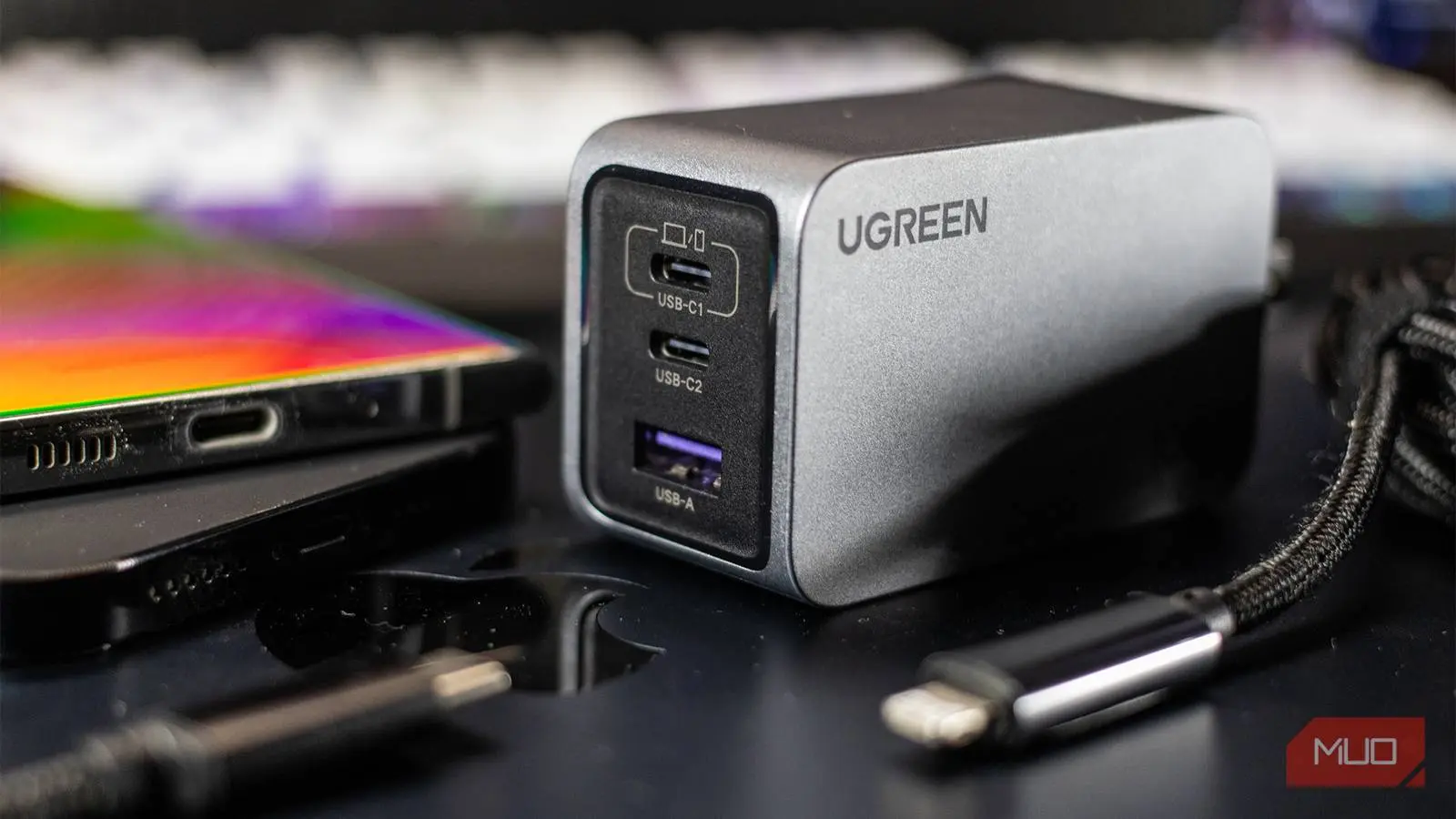
Buying a phone charger used to be a straightforward task. When manufacturers included chargers in the box, you simply used what came with your device. Those days are mostly gone, and if you have recently gone charger shopping, you know how confusing it can get. The packaging is plastered with wattage numbers and acronyms like PD, PPS, QC, and GaN. Even experienced users can feel overwhelmed. But once you understand what each term means, picking the right charger becomes much simpler.
Buying the right phone charger can be confusing
It is no longer just about USB-A or USB-C
The biggest reason buying a charger is confusing is that almost every charger will technically work with your phone. The days of worrying about port shape are fading. USB-C has become ubiquitous and should have simplified the experience. Yet that has not happened. Two chargers with the same USB-C port can perform completely differently. You can plug a five-watt charger from a decade ago into your modern smartphone, and it will still charge. However, there is a vast difference between working and working optimally. Beyond mere wattage, you need to check whether the charger supports advanced charging technologies such as USB Power Delivery, Programmable Power Supply, Quick Charge, and Gallium Nitride. Without these, you might be leaving a ton of charging speed on the table or paying a premium for wattage your phone cannot even use.
USB PD, PPS, QC, and GaN all mean different things
A plain-English breakdown of each term
When scanning charger listings, you encounter terms like PD, PPS, QC, and GaN. Each acronym tells you something specific about the charger's capability. USB Power Delivery, commonly abbreviated as USB PD, is a universal charging standard. It enables the charger and the connected device to negotiate the amount of power delivered. Instead of supplying a fixed voltage, the charger and phone talk to each other and agree on the safest, fastest combination. Almost every modern Android phone supports USB PD, and it is the reason some chargers can fast charge a phone, a laptop, and a pair of earbuds without damaging any of them. The standard allows for power levels up to 240 watts with the latest USB PD 3.1 specification, though most phones use lower levels.
Programmable Power Supply, or PPS, is an extension of USB PD. It performs the same negotiation but in a more refined way. Instead of adjusting power in fixed steps, PPS adjusts it continuously and dynamically. This continuous adjustment keeps heat generation low and charging efficiency high. For users concerned about long-term battery health, PPS is a valuable feature because it reduces stress on the battery cells. Many modern flagship phones, especially from Samsung and Google, benefit from PPS support.
Qualcomm Quick Charge, or QC, is a proprietary technology designed for devices with Snapdragon processors. It is licenseable by other chipset makers, so it appears on many non-Snapdragon devices as well. Quick Charge comes in different versions, and the higher the version number, the faster the potential charging speed. QC 5.0, for instance, can deliver up to 100 watts. However, compatibility requires both the charger and the phone to support the same version. If your phone supports QC 4+, a QC 3 charger will still work but at a slower speed. Many phone brands also have their own proprietary protocols, such as OPPO's SuperVOOC, OnePlus Warp Charge, and Motorola TurboPower. These typically require both charger and phone from the same brand to achieve the advertised speeds. While third-party chargers often support these protocols through licensing, it is safer to check compatibility lists.
Gallium Nitride, or GaN, is a completely different concept. It is not a charging protocol but a material used inside the charger. Traditional chargers use silicon components, which generate heat and limit miniaturization. GaN is a semiconductor that runs more efficiently and produces less heat. This allows manufacturers to build chargers that are significantly smaller and lighter for the same wattage. A 65-watt GaN charger can be the size of a traditional 30-watt silicon charger. GaN technology also supports higher switching frequencies, further reducing component size. While GaN chargers often cost more, the convenience of portability and cooler operation justifies the premium for many users.
More watts do not always mean faster charging
Stop chasing the highest number
This is probably the most common mistake people make when buying a charger. Wattage is not determined solely by the charger. Your phone has a maximum charging rate built into its hardware, and it will never exceed that limit, regardless of what charger you plug in. For example, a Galaxy S26 tops out at 25 watts. Buying a 45-watt charger will not make it charge faster; it will simply deliver the same 25 watts the phone requests. The extra wattage capacity remains unused. Checking your device's specifications first is essential. Many phones list their maximum charging speed on the manufacturer's website or in the user manual.
There is another wrinkle. The wattage printed on the box is the maximum output the charger can provide under ideal conditions, but it is not a guarantee for every port or every device. Multi-port chargers, which have become popular for charging a phone, tablet, and laptop simultaneously, split their total power output among the connected devices. The exact distribution depends on the charger's internal circuitry. Some chargers allocate a fixed amount to each port, while others dynamically adjust based on the connected devices. A charger rated at 65 watts total might deliver 45 watts to a laptop and 20 watts to a phone simultaneously. But if you connect two devices that both want 45 watts, the charger may reduce power to one or both to stay within its limits. Therefore, it is important to read reviews or product documentation to understand how the charger behaves with multiple devices.
The cable matters just as much
You can purchase the perfect charger and still end up with slow charging if the cable is not adequate. The cable acts as the conduit for power from the charger to the device. Cables have their own current and voltage ratings. If your phone and charger are both capable of 65 watts, but the cable maxes out at 15 watts, that is what you will get. This scenario is common when using cheap, unbranded cables that lack proper gauge wire or e-marker chips. Most flagship phones ship with a cable that matches the phone's charging capability, but spare cables purchased separately may not. When buying a cable, look for ones that explicitly mention support for USB PD, high wattage (like 60W, 100W, or 240W), and data transfer speeds that meet your needs. The cable should also be certified by the USB Implementers Forum if possible, as that ensures compliance with safety and performance standards.
Beyond wattage, cables affect data transfer speeds. Some high-power cables are also capable of USB 3.1 or USB 3.2 speeds, which is useful for syncing photos or transferring files. However, not all fast-charging cables support high-speed data. Check both specifications. Also, cable length can impact charging efficiency; longer cables may introduce resistance and reduce delivered power. For charging, a cable length of one meter is typically adequate and minimizes voltage drop.
Finally, stick to reputable brands for both the charger and the cable. No-name products often have inflated specifications printed on the packaging. A charger that claims 65 watts but lacks proper safety certifications can overload your device or even cause fire hazards. Reputable companies invest in quality control, thermal protection, overcurrent protection, and compliance with international safety standards like UL, CE, or FCC. Spending a little more on a trusted brand saves money in the long run by protecting your devices and giving you reliable performance.
Understanding these fundamentals transforms charger shopping from a frustrating guessing game into a simple checklist. First, identify your phone's maximum charging wattage. Second, decide whether you need a single-port or multi-port charger. Third, look for support of relevant protocols (USB PD, PPS, or QC depending on your device). Fourth, consider GaN if size and weight matter. Fifth, choose a cable that matches or exceeds the charger's capabilities. By following these steps, you will never buy the wrong charger again.
Source: MakeUseOf News