

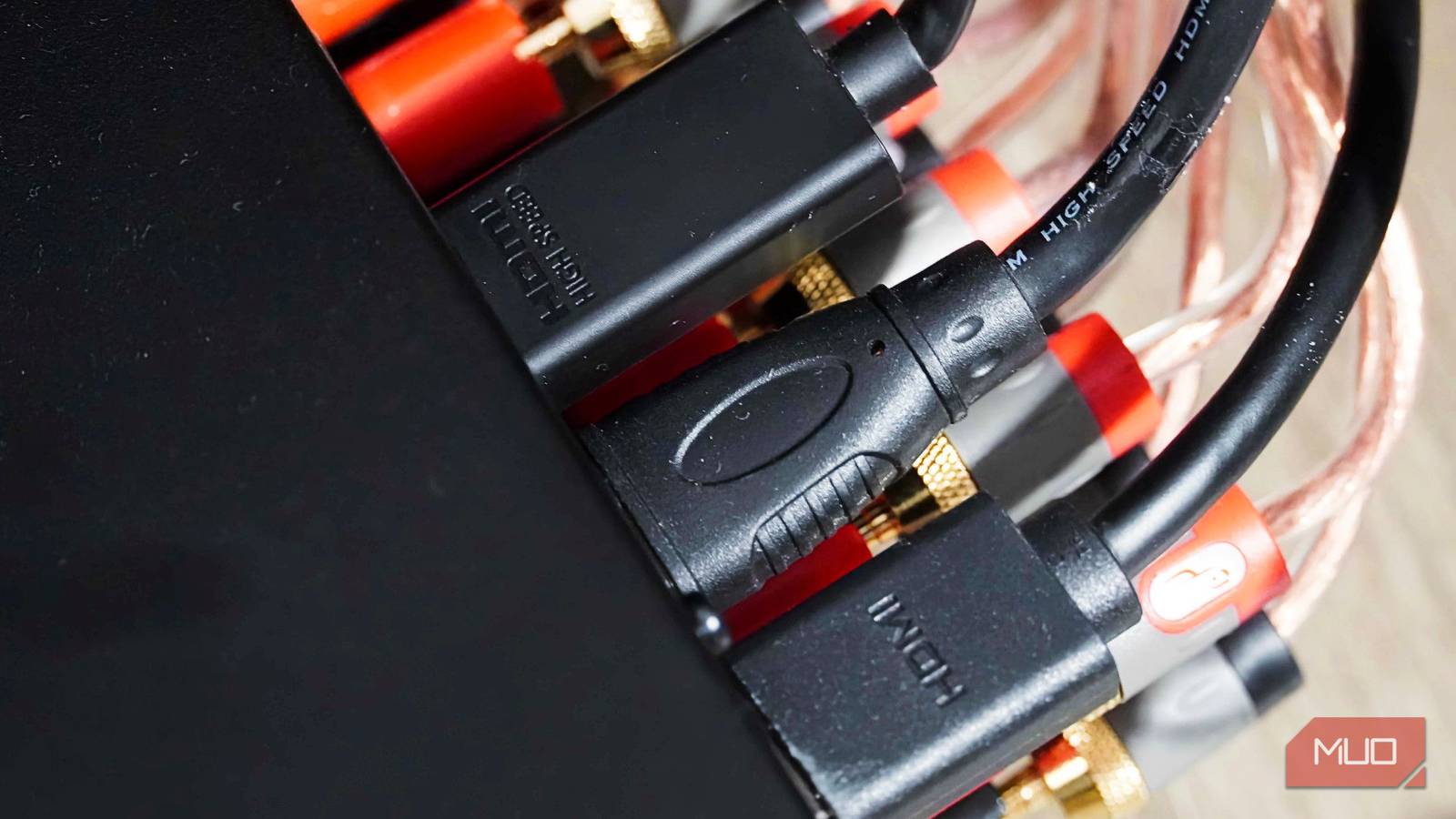
Most people buying an HDMI cable spend more time second-guessing themselves than they need to. The packaging is full of version numbers, different types, bandwidth specs, and premium branding that makes you think price is all that matters. That's not always true, though. Digital signal transmission doesn't work the way the marketing suggests, and once you understand why, the whole cable-buying decision gets a lot simpler.
Buying an expensive cable won't give you a better picture
HDMI cables either work or they don't
Back in the days of analog connections like composite video or VGA, signals traveled as continuous electrical waves, and those waves were sensitive to interference and resistance. A cheap or poorly made cable slowly degrades the signal, leaving you with a dimmer picture, ghosting, or muffled audio. The cable's quality directly affected the output quality.
HDMI works completely differently. It's a digital interface, meaning it transmits data as ones and zeros rather than as a wave. So, where VGA is kind of in between good and bad, depending on the wave, HDMI is either good or bad. The signal either gets through or it doesn't. This is the digital cliff effect. Either the data arrives intact, and your display reconstructs a perfect image, or the signal collapses, and you get blackouts, screen tearing, audio dropouts, or random flashing pixels. There's no in-between state where a cheaper cable quietly robs you of sharpness or color depth. If your TV is showing a stable picture with no glitches, your cable is already doing its job perfectly. It literally can't do any better than that.
This is exactly why the premium cable market is built on shaky ground. A lot of high-end cable brands are trading on ideas left over from the analog era, suggesting that gold-plated connectors or exotic materials will give you warmer audio or a sharper picture. In reality, a basic $10 certified cable gives you the same image and audio as a $200 one. Fancy braiding, thick shielding, and gold connectors might make a cable more durable if you're constantly plugging and unplugging it, but they can't make a digital one or zero travel any better. The only situations where cable quality genuinely starts to matter are over long distances or in environments with severe electrical interference. High-frequency signals do weaken over long cable runs, but it doesn't really matter if the cable is about six feet long. A cheap cable and an expensive one are the same in that range. It's only when you're running a longer cable that the price actually matters.
Buy a cable that matches the hardware you already own
Most setups only need a cheap cable
When shopping for an HDMI cable, the best way to avoid overpaying is to know what your hardware actually needs. A lot of people go looking for version numbers on the box, like HDMI 2.0, HDMI 2.1, and that kind of thing. What you should be looking for instead are the speed certification labels printed on the packaging, because the cable itself only controls how much data can travel through it. Everything else is determined by your source device and your display. Buying a cable that is better than what your equipment can actually do doesn't add anything; it just costs more.
Most people don't need anything fancy. If you're hooking up a 1080p office monitor or a basic HD TV, a cable with Standard or High Speed certification is all you need. These cables support up to 18 Gbps, which is more than enough for 1080p at 60 Hz and even 4K at 30 Hz. They have been around for years and are very affordable, often under $10. If you're stepping up to a 4K TV for streaming through a Roku, Apple TV, or a Blu-ray player, a Premium High Speed cable is the right pick. These support 18 Gbps, which is plenty for 4K at 60 Hz plus static HDR. Because they've been around for years, they're cheap — usually under $15. Spending more than that for a standard 4K setup or an office monitor is genuinely pointless.
The only time you actually need to spend more is if you have cutting-edge gaming hardware or a high-end home theater setup. If you're running a PS5, an Xbox Series X, or a modern gaming PC and you want to get the most out of that hardware, you'll need an Ultra High Speed Cable. These support 48 Gbps, which is what's required for 4K at 120 Hz, 8K at 60 Hz, and dynamic HDR. Even here, you don't need to go overboard. A certified Ultra High Speed cable that costs around $20 will be as good as a $100 cable over a normal living room distance. The certification ensures the cable has been tested to handle the bandwidth without errors. Look for the official Ultra High Speed HDMI cable logo and a QR code on the packaging. Scanning the code confirms the cable passed certification. This is the only reliable way to know a cable will work for demanding applications.
There is also a category called HDMI 2.1 cables, but that label is often misleading. The HDMI Licensing Administrator recommends using the speed-based names (Standard, High Speed, Premium High Speed, Ultra High Speed) rather than version numbers. Version numbers refer to the capabilities of the ports on the source and display, not the cable itself. A cable cannot be HDMI 2.1; it can only be rated for a certain speed. Always check the certified speed rating to ensure you get the performance you need.
Shoving your TV against the wall can ruin the wires
Long cables only work when you plug them in the right way
Even though digital signals are pretty tough, the actual copper wires inside an HDMI cable are surprisingly fragile. If you force a cable around a sharp corner or cram a wall-mounted TV back against the plug, you can easily mess up the internal wiring. Every HDMI cable has a minimum bend radius, and if you ignore that during installation, you're going to have problems. Bending or kinking it too sharply throws off the precise spacing between the internal wire pairs, which causes signal reflections and bit errors. A mildly kinked cable might still work but could be more prone to dropouts from vibration or temperature changes.
The thicker and heavier a cable gets, the more stress it puts on whatever it's plugged into. Letting a heavy cable hang freely off the back of a TV or receiver might seem harmless, but over time, the constant downward pull slowly bends the metal pins inside the port. Once that happens, you end up with a loose connection that cuts out every time someone bumps into the entertainment center. The fix is simple: secure the cable to your TV mount or media console, so the weight isn't just hanging off the port. Use adhesive cable clips, Velcro straps, or cable ties to relieve strain. For wall-mounted TVs, run the cable through an in-wall rated HDMI cable or use a recessed outlet box with a female-to-female coupler to avoid pinching the cable.
Longer active HDMI cables and fiber-optic hybrid cables are directional. Regular short cables work fine either way, but these longer specialized ones have tiny chips built into the connector heads that boost the signal. They only work one way, though. The end marked 'Source' has to go into your player, and the one marked 'Display' has to go into your TV. Running a fifty-foot cable backward through a ceiling is a painful mistake to realize, because it will pass absolutely no signal until you pull it out and flip it around. Always double-check the labels before running cables through walls or ceilings. For runs longer than 25 feet, consider using a fiber-optic HDMI cable, which uses light instead of electricity to carry the signal. These are immune to electromagnetic interference and can go up to 300 feet without signal degradation. They are more expensive than copper cables but necessary for long distances. For runs shorter than 15 feet, standard copper cables are perfectly fine and much cheaper.
Another common mistake is using an HDMI cable that is too long for the application. A 50-foot cable might cost significantly more than a 6-foot cable, and the extra length introduces signal loss. If you only need a 6-foot cable, buy a 6-foot cable. Do not buy a 15-foot cable and coil up the excess; coiling can act as an inductor and interfere with the signal. Always choose the shortest cable that comfortably reaches between your devices.
HDMI cables also come with different connector types, such as standard, mini, and micro. Most consumer devices use the standard Type A connector, but cameras, tablets, and some laptops use mini or micro HDMI. If you need to connect a device with a smaller port, make sure to get the correct cable or adapter. Using an adapter adds another potential point of failure, so a direct cable with the right connectors is preferable.
There is also the issue of HDMI Ethernet and Audio Return Channel (ARC). Standard HDMI cables support basic ARC, which allows audio to travel from the TV back to a soundbar or receiver. For enhanced ARC (eARC), which supports high-bitrate audio formats like Dolby TrueHD and DTS-HD Master Audio, you need an Ultra High Speed HDMI cable. If you have a modern soundbar or AV receiver that supports eARC, ensure your cable is certified for that bandwidth to get lossless surround sound. Many cheaper cables claim eARC support but may fail when pushed. Sticking with certified cables eliminates guesswork.
Finally, avoid buying 'bargain bin' no-name cables from dollar stores or unbranded online sellers. These cables may lack proper shielding, use inferior copper clad steel instead of pure copper, and fail certification. They might work for basic 1080p but cause dropouts at higher resolutions or longer distances. Paying a little extra for a known brand that is certified ensures reliability without breaking the bank. Brands like Monoprice, AmazonBasics, and Cable Matters offer certified cables at low prices. There is no need to pay for designer cables with expensive packaging.
In summary, for normal setups, the $10 cable from a reputable brand does the same job as the $200 one. Buy to match your hardware's actual output, secure the cable so it's not straining the port, and check the directional labeling on anything longer than a standard run. That's genuinely all there is to it.
Source: MakeUseOf News