

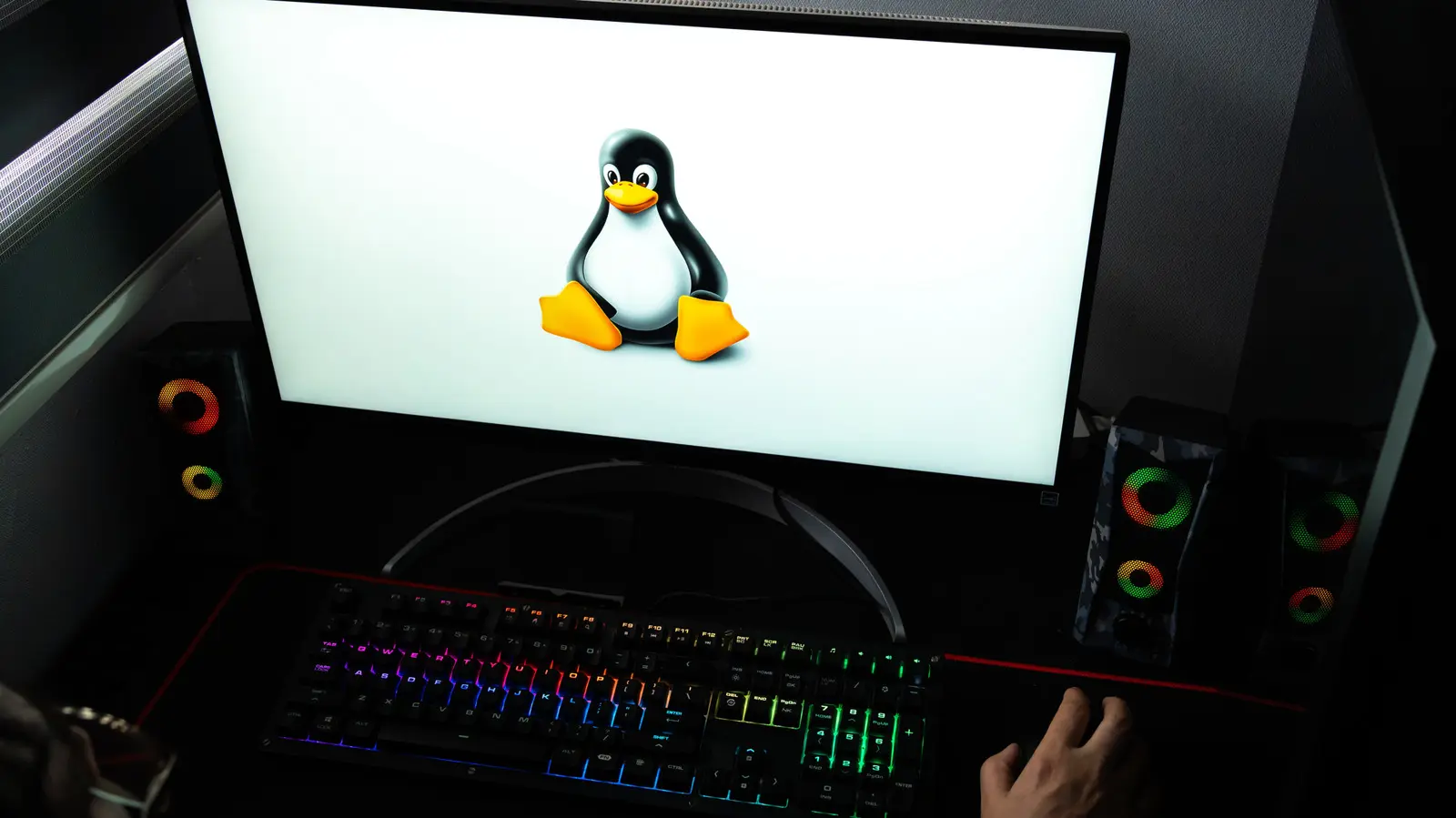
They used to say you would get laughed out of a gaming forum if you mentioned Linux. That memory feels ancient now. Valve launched the original Steam Deck in early 2022 with SteamOS, a Linux distribution, and the Wine-based Proton translation layer under the hood. It rewired expectations for an entire generation of PC players. Games designed for Windows suddenly played on a Linux-based handheld, sometimes with better frame pacing and fewer overhead layers than native Windows. Linux gaming stopped being a niche inside joke and started becoming a serious replacement story.
After nearly five years of living inside this experiment, I have reached a place where Windows is gone from my gaming PC. The Steam Deck was my gateway. I spent the first year using it for indie and less demanding titles while keeping my main PC on Windows. By the end of 2025, Bazzite, a SteamOS-style Linux distribution built for desktop and handheld gaming, had replaced Windows on my main gaming hardware. I have not had a Windows installation in front of me for over a year. The games still work. The hardware still runs. The only real questions are not the ones you might expect.
Some people assume that switching to Linux means entering a world of terminal commands and spreadsheet-grade compatibility lists. Modern gaming distributions have largely removed that burden. SteamOS and Bazzite boot into a familiar console-like interface, while the desktop environment remains a click away. Updates come through the same package manager that powers the whole operating system, so the experience rarely breaks between game releases. I still remember the early days of Linux gaming, when spending an entire evening configuring a single title was normal. That workflow is almost unrecognizable today.
Basically every game works out of the box
I am not exaggerating for the sake of sensationalism when I say that virtually every game I have tried on Linux has just worked. Dozens upon dozens of single-player games and multiplayer games, hyperrealistic AAA games and pixel-art indie games, you name it. Around 95% of the time, I hit the play button and the rest was history. Another 4.99% of the time, it required a simple change like swapping the Proton version, adding a launch command, or, extremely rarely, needing to mess with game files. The final 0.01% of the time—and I can count those times on one hand—a game would not play despite my best efforts.
Public data supports my experience. Steam’s Verified program includes almost 9,000 Verified games, and the number rises to almost 30,000 when you include Playable titles. These are the most-played games we are talking about too. I would wager that only a minority of players go beyond that 30,000. ProtonDB, a community rating system, says only about 1% of popular games are broken, and I have tried a couple dozen games marked unsupported by Valve that worked without complaint. The term unsupported is not the same as unplayable. The question you should ask is shifting from can Linux run your game to how well it will run. You will still want to check a compatibility database before buying a brand-new release, especially in the first few days after launch. But the old habit of treating Linux as a Russian roulette experience is outdated.
Anti-cheat remains the only major dealbreaker
If you know anything about Linux gaming, you know that anti-cheat games often flat-out do not work. I will not deny it. The most popular games in the world, including Fortnite, Battlefield 6, and League of Legends, are unplayable locally. If that one fact completely kills your desire to use Linux, I do not blame you. But the situation is not as horrible as it may seem.
You can often use game streaming to play anti-cheat games on Linux. NVIDIA GeForce NOW offers free one-hour gaming sessions, and its one-year plan with longer sessions costs roughly $99, which is in the same neighborhood as a Netflix membership. There is even an official Linux app. If all your games except one anti-cheat title work on Linux, this approach can be viable. And remember that some of these games, such as Fortnite, have ports on other systems you might own. Further, the average person would be surprised by how many amazing multiplayer games work on Linux. Valve’s own Counter-Strike obviously works. My personal favorites, ARC Raiders and Helldivers 2, work flawlessly too.
Having said that, I do admit the outlook for anti-cheat on Linux is bleak. Anti-cheat measures have gotten more strict, not less, as seen with the Secure Boot requirement for Battlefield 6 in 2025. There is always a possibility that the industry will shift to server-side anti-cheat and Linux-friendly workarounds, but for now I make no promises. Linux is not ready for heavy multiplayer gamers who need support for every competitive title. If your library revolves around live-services games, you should stay on Windows or use a cloud gaming option as a safety net.
For handhelds and living room PCs, Linux is essential
One of the biggest problems with Windows gaming has long been weak controller support. Microsoft only recently introduced Full Screen Experience, an Xbox-style mode meant to make Windows usable with a gamepad. I tried it during a short-lived Windows 11 installation, and it felt half-baked, unintuitive, and difficult to customize. It also pushes a lot of things upon you that you never asked for, with no obvious way to undo them. Linux gaming distributions have been doing the same job better for years.
SteamOS and gaming-focused distributions such as Bazzite, CachyOS, and Nobara turn the PC into an appliance. Everything you need can be done without ever touching a mouse and keyboard. The game library, store, settings, and updates are all built around Steam’s excellent Big Picture interface. Desktop mode exists behind the scenes, and handheld owners can use their touchscreens to navigate it. This is a huge win for Linux over Windows. The difference becomes non-negotiable when you connect a gaming PC to a living-room television. The Steam Machine, a Linux-based mini PC that is selling well, proves that players value the experience of a console-like boot with a gamepad-first interface. Windows still treats that use case as an afterthought, and community projects like Winhanced are evidence that even Windows enthusiasts see the gap.
Non-Steam games can still be a pain
Ask any PC gamer and they will probably tell you they have a Steam account. Steam is practically the de facto PC storefront, and it dwarfs the Epic Games Store in revenue. It is rare for a PC release not to arrive on Steam. If your library is mostly on Steam, switching to Linux is easy. SteamOS-style distributions have Steam baked in, and desktop Linux offers the same Steam client as Windows. Playing games from Steam on Linux is now an elegant, seamless experience.
Problems arise when you want to play games from other PC storefronts. Apps like Heroic Launcher make it possible to install and integrate Epic, GOG, and Amazon Prime games on Linux. I use Heroic on Bazzite, and it works. You can then add each game to Steam from desktop mode so it appears when you are using a controller in handheld mode. But it is still a tedious extra step. Installing games manually from outside those storefronts is even more tedious, even if that is an edge case. This is one area where Windows Xbox mode is better: you can see all your games from one screen regardless of where they were downloaded. Linux introduces a small bit of friction that is outweighed by its benefits, but it is friction nonetheless.
Some of that friction may soon erode. There is an Epic Games native Linux app reportedly in the pipeline, which would remove one middleman. More native ports and better storefront integration will help, but Windows still has a slight edge for people who spread purchases across every platform and want everything automatically visible in one list.
Closed standards can create sudden headaches
Windows rarely gives compatibility issues with household hardware. Games and components are designed to work with it. The words Linux, compatibility, and proprietary on the other hand are usually a poor mix. HDMI 2.1 is the perfect recent example. HDMI 2.1 is important because it enables 4K at 120Hz and variable refresh rate. It was unsupported in Linux for years because the HDMI Forum refused to allow an open-source implementation for the kernel. The forum eventually relented, but the result has not been clean. I have not been able to get HDMI 2.1 working on my Linux setup, and I am not alone. I could probably solve the problem with enough troubleshooting, or I could wait for a patch. But when I want to play games, I do not want to do unpaid technical support for something that would be plug-and-play on Windows.
HDMI 2.1 is a case study in how Linux gaming still falls short in small ways. Windows users have enjoyed HDMI 2.1 for years, and when support finally arrives on Linux, it suffers through teething issues. The same pattern applies to other closed standards: some capture cards, certain high refresh rate monitors, and proprietary audio or peripheral software may require extra effort. These issues are not frequent enough to make me abandon Bazzite, but they are worth knowing before you make the switch.
Source: SlashGear News